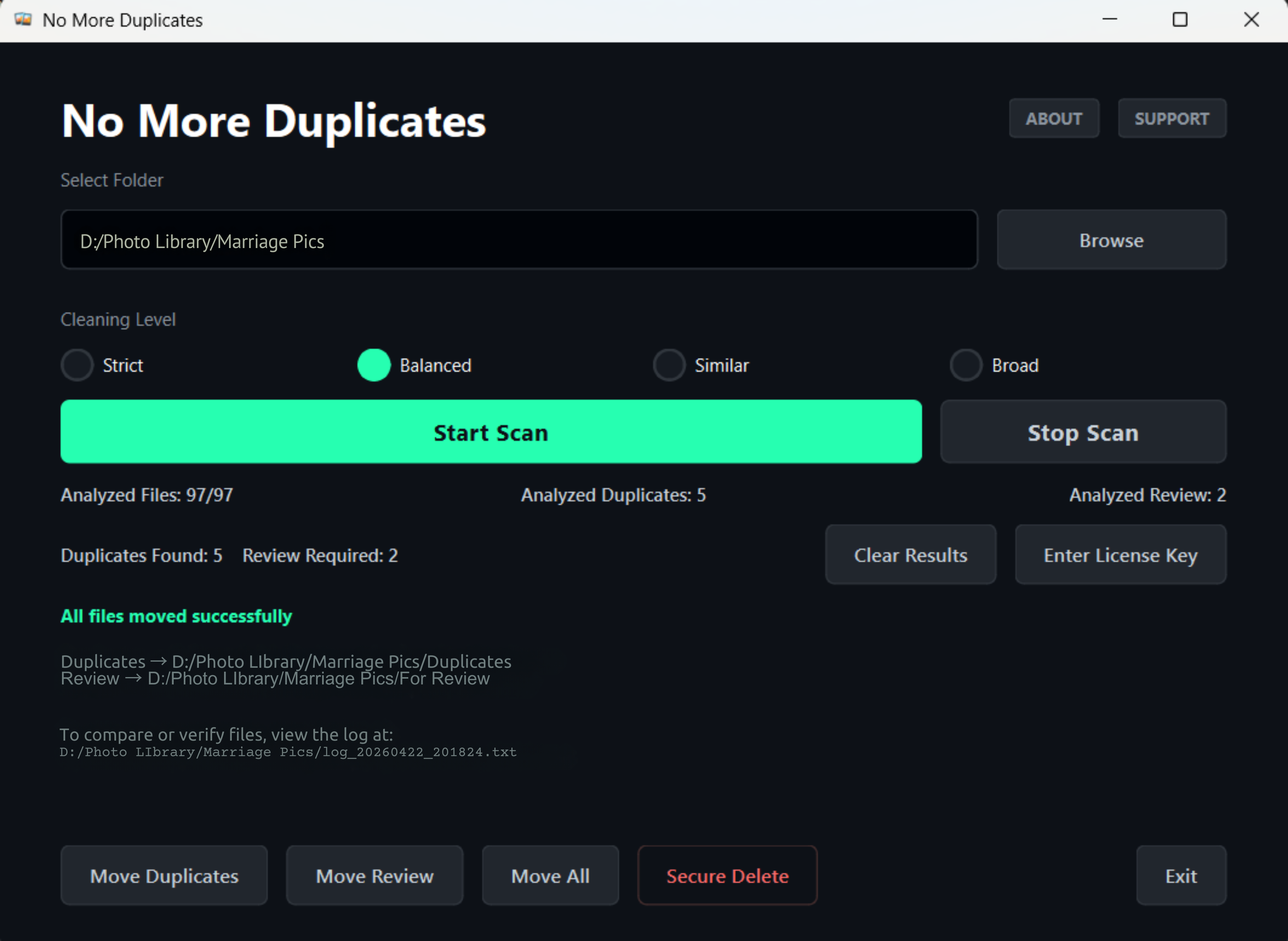
Getting Started
A complete guide to cleaning your photo library with NMD.
Installation & Security
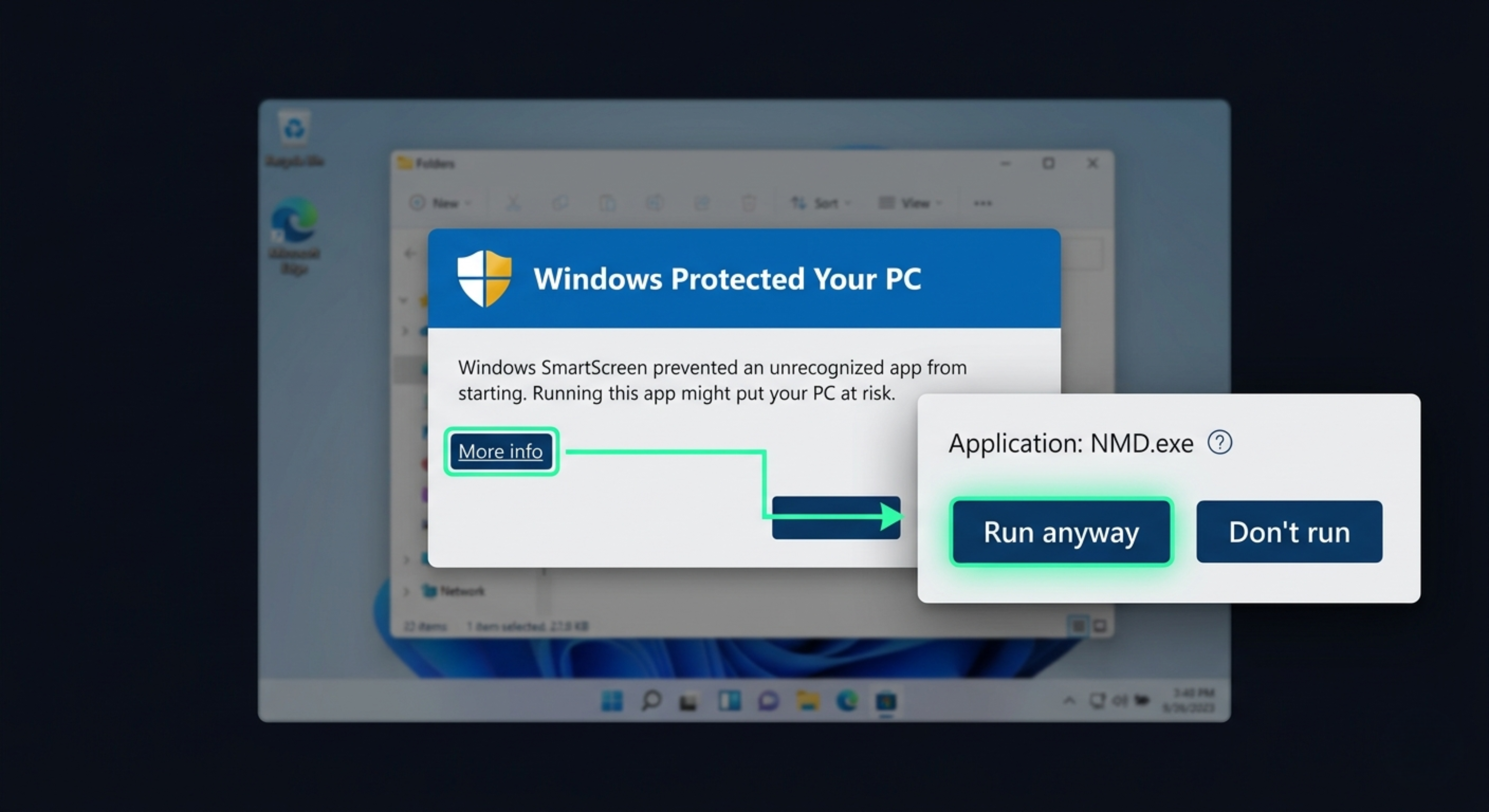
After downloading the ZIP, extract the folder and run NMD.exe. As NMD is a new professional utility, Windows SmartScreen may flag it.
Click "More Info" and then "Run Anyway" to proceed. NMD is 100% local and safe.
Select Your Folders
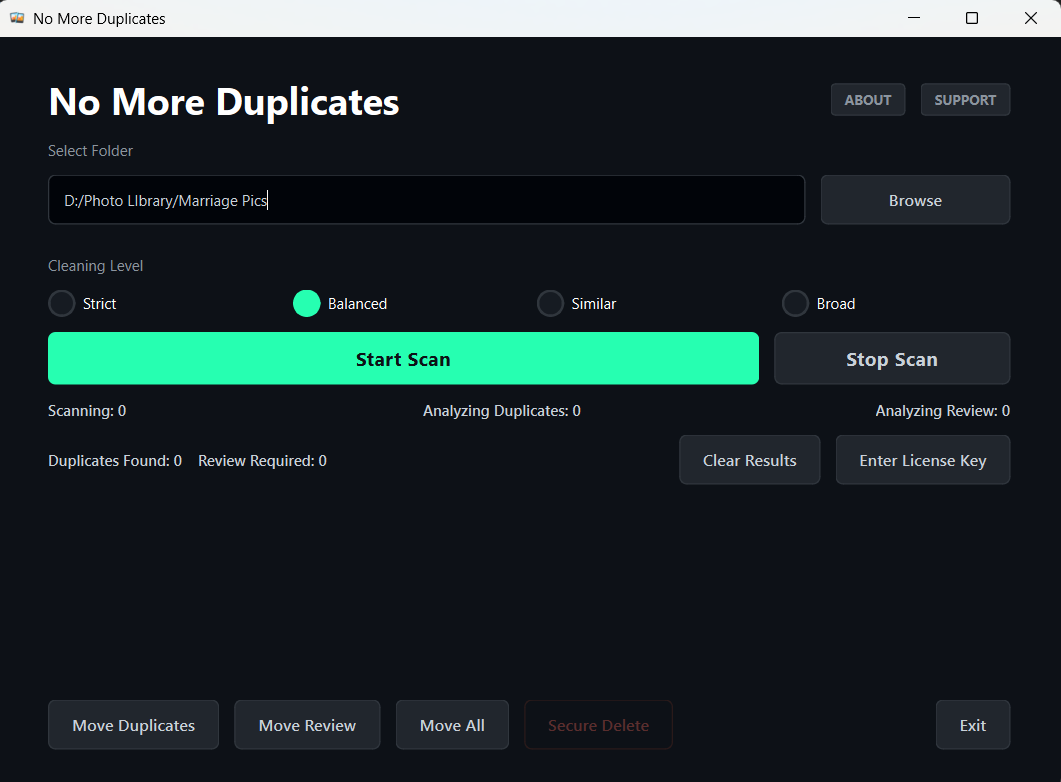
Click the "Add Folder" button to select the directory you want to scan. You can add multiple folders or even external hard drives.
Next, set a Destination Folder. This is where NMD will move the duplicates so you can review them safely before final deletion.
Choose Scan Mode
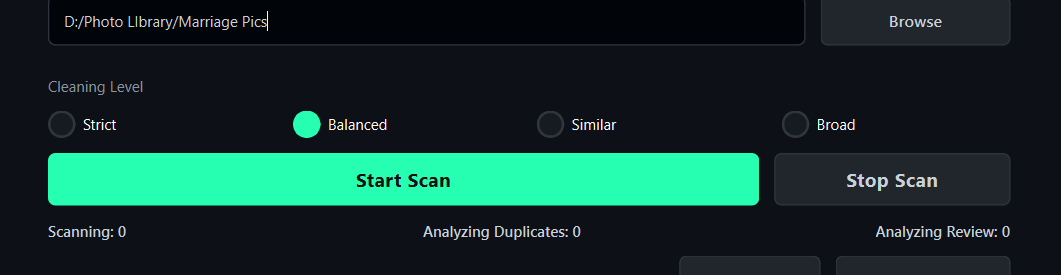
Select your scanning method:
- MD5 Binary: Finds bit-for-bit exact copies (even with different names).
- Similar (Pro): Detects burst shots and visually identical photos.
Review and Clean
Once the scan is complete, NMD will group your duplicates. Use the Auto-Select feature to quickly mark the versions you don't want to keep.
Click "Process" to move them to your review folder instantly.